








 Denmark
 United States
 Austria
Your complete business phone system
CallFactory’s phone system is hybrid — your team uses different devices together under the same business number. A receptionist answers on a desk phone, a sales rep takes calls on their mobile, a remote worker uses a softphone on their laptop. All devices ring as part of the same phone team, following the same routing rules.
You choose the devices that fit your team. Mix and match freely, and change the setup at any time from your dashboard.
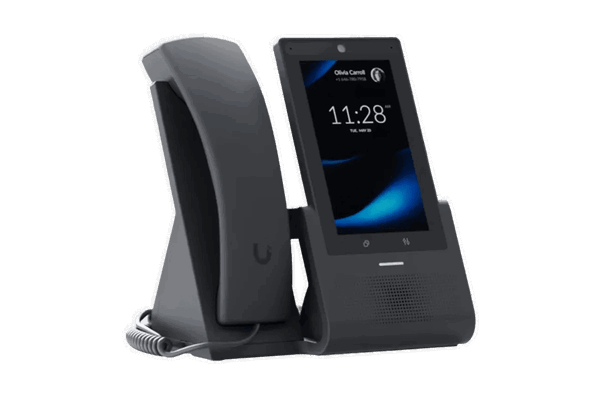
Desk phone
Use a VoIP desk phone as part of your CallFactory hybrid phone system. Reliable on your own network, easy to set up, and works alongside mobiles and softphones.
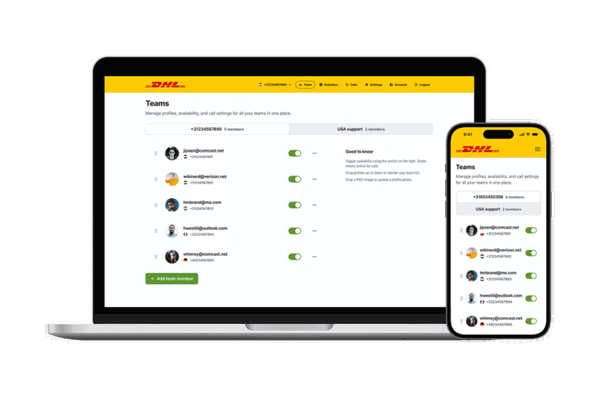
Softphone
Make and receive business calls on your computer with a softphone app. Choose any brand, pair with a headset, and your laptop becomes a full business phone.
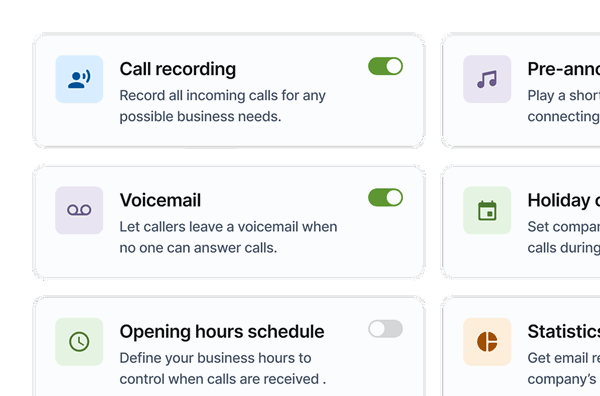
Web interface
Manage your phone system online. Configure numbers, devices, routing, and licenses — anytime, from any browser.
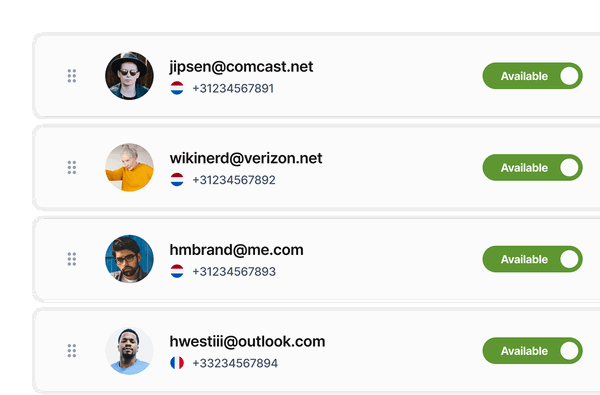
Team dashboard
A shared online dashboard for teams. See who's available, transfer calls, and work as one front line — from any device with a browser. No app store downloads needed.
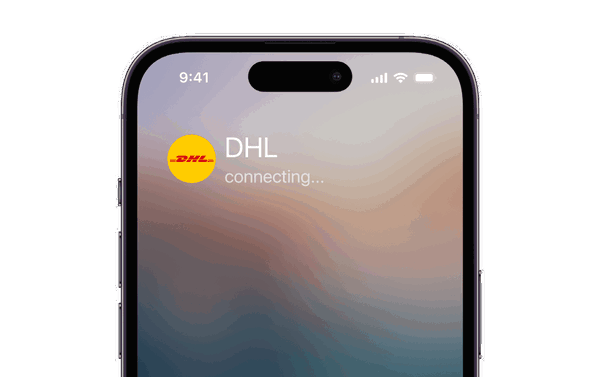
Fixed on mobile
Receive business calls on your mobile phone — delivered over the mobile network. No app needed, no internet dependency. The most reliable mobile setup.
Phone systems FAQ
Answers to frequently asked questions about CallFactory’s business phone system.
A hybrid phone system combines different device types under the same business number. Desk phones, mobile phones, softphones, and web applications all work together in the same phone team. Calls can be delivered over VoIP, the mobile network, or the fixed network — depending on the device.
Yes. CallFactory’s phone system is designed to mix devices freely. Office staff can use desk phones, remote workers can use softphones, and team members on the go can receive calls on their mobile — all under the same number with the same routing rules.
You define the routing from your dashboard. Choose sequential forwarding (ring one device after another), round robin (rotate between team members), or simultaneous ringing (all devices ring at once). You can also set business hours, IVR menus, and fallback destinations.
Not necessarily. You can start with fixed on mobile (calls forwarded to your existing mobile phone) or a softphone on your laptop — both require no hardware investment. If you want desk phones, we recommend the Ubiquiti UniFi G3 series, purchased directly from the manufacturer or a reseller.
In most cases, yes. You can port your existing business number to CallFactory and continue using it within the new phone system. This lets you upgrade your setup without changing contact details.
Everything is managed from the web interface — a single dashboard in your browser. Add phone numbers, configure routing, manage devices, download softphone licenses, and review call statistics. Changes take effect immediately.
Yes. The platform scales from a single phone number forwarding to one mobile, all the way to contact centres with hundreds of agents. Start simple and expand as your team grows — no migration needed.
Desk phones and softphones need a working internet connection. If internet reliability is a concern, add a mobile phone as a fallback destination. Fixed on mobile delivers calls over the mobile network and works regardless of internet or power outages.









