
 Netherlands
 Belgium
 Denmark
 Germany
 France
 United States
 Austria
 UK
 Spain
 Italy
In the dashboard, below your status. After you log in, you see an overview of your call minutes there.
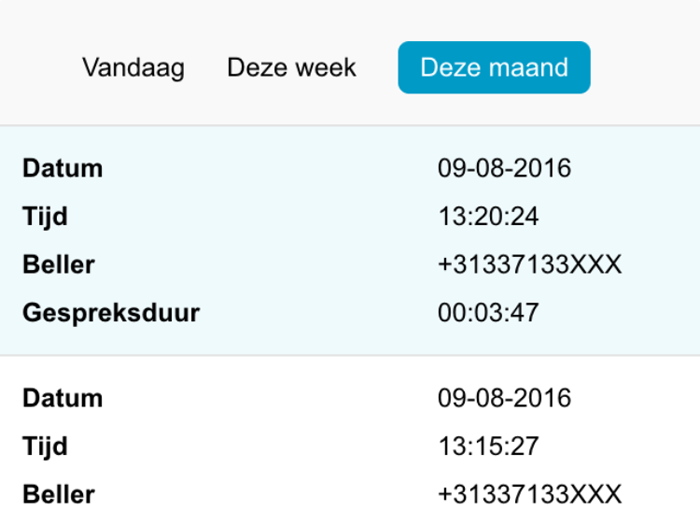
To view statistics for a specific period, choose it from the list above the statistics: Today, This Week or This Month.
At the bottom of the screen, you see the totals for the period you selected.
Note: These statistics are approximate and only give an indication. The actual call minutes are on the invoice that the number owner or administrator receives.


