 Netherlands
 Belgium
 Denmark
 Germany
 France
 United States
 Austria
 UK
 Spain
 Italy
A phone system API with the endpoints your integration needs
You tell us which call data you need and which actions your software should start, and we build that telephony API integration on our own cloud telephony platform. Your developer gets documentation for exactly your endpoints, so they don’t have to search a large reference for the parts that apply.
You can start with a single webhook and move up to your own IVR server when you need it.

David asked for an endpoint, and we built it
David wanted to see incoming calls in his own CRM. He told us what he needed, and we added the endpoints on our own platform.
- Endpoints built for your case
- Connect your own software
- Built by our own team
Why businesses connect their business phone system to their own software
Who is working today, which customer is calling, whether an order is ready: that customer data is in your own systems, such as your CRM or helpdesk, not in a telephony dashboard. An integration brings the two together, so the phone system acts on the same information as the rest of your business.
The shift schedule is in your planning tool
Your planning tool knows who is on duty, but your phone system does not. So every morning someone changes the call forwarding by hand, or forgets to.
Your call data is in a different dashboard
We keep the call logs, call duration and queue figures, while your reports are in your own systems. As long as the two are not connected, someone has to export a file every month.
What you need is not a standard feature
A call that looks up data in your database, televoting, or an automated call that alerts a whole team within seconds. None of these fit into a standard phone menu (interactive voice response).
Telephony API integration in four levels, from a webhook to your own IVR server
All four run on the same platform and on your existing phone numbers. You start at the level that fits your business needs today and move up when you need more.
- 1
Webhook routing
server briefly down? fallback to your fixed destinationOn every incoming call we ask your server where the call should go. Your server replies with a number, a voicemail box or a message, within milliseconds and without the caller noticing. It also works for each menu option, so sales can go to one webhook and support to another. This routing logic is the simplest way to connect your phone system to your own data.
Who does what- You build
- one endpoint
- We do
- ask, then carry out the reply
- You need
- a server that speaks HTTP
- 2
The private API
feasibility and cost confirmed in advanceYou pull call recordings, call logs and queue figures into your own systems, change destinations from your planning tool and start outbound calls that play a text-to-speech message. You describe what you want to achieve, and we build the API for it. The private API is available on request, and we quote the cost before we start.
Who does what- You build
- the API calls
- We do
- the endpoints, for your case
- You need
- one developer
- 3
The IVR toolkit
the same building blocks our own product teams useThis is the library of voice API actions we use to build our own features: Answer, Play, Dial, Record, GatherDigits and StartStream. Every action has a fixed signature and a typed result, so your code always knows what happened. You write the whole call flow yourself.
Who does what- You build
- the call flow
- We do
- the platform underneath
- You need
- a development team
- 4
Your own IVR server
migration from level 2 or 3 while your numbers keep workingAn instance that runs only for you, with guaranteed capacity, your data kept separate and the programming language your development team already uses, such as Python, Node or Go. We deliver standard configurations as a Docker container. This level suits complex call flows with database lookups, high-volume campaigns, televoting or self-service lines that improve the customer experience.
Who does what- You build
- everything, or nothing
- We do
- the server, and the application if you want
- You need
- a planning session with us first
Stream the audio of a call to your own AI or speech recognition
With one action you stream the live audio of a call to any WebSocket endpoint: an AI assistant, a speech recognition engine, transcription or your own analytics service. You decide when the stream starts, in which direction the audio flows and when it stops, in real time.
- Caller
- Our number and our routing
- StartStream
- Your AI
Your AI model on our phone line
The stream runs alongside the rest of the call flow, so in the meantime you can play messages, collect input or transfer the call. This is possible because we run the telephony platform ourselves.
Call data stays inside your own environment
On your own IVR server the processing stays inside your environment, with a private connection to your database instead of a route over the public internet.
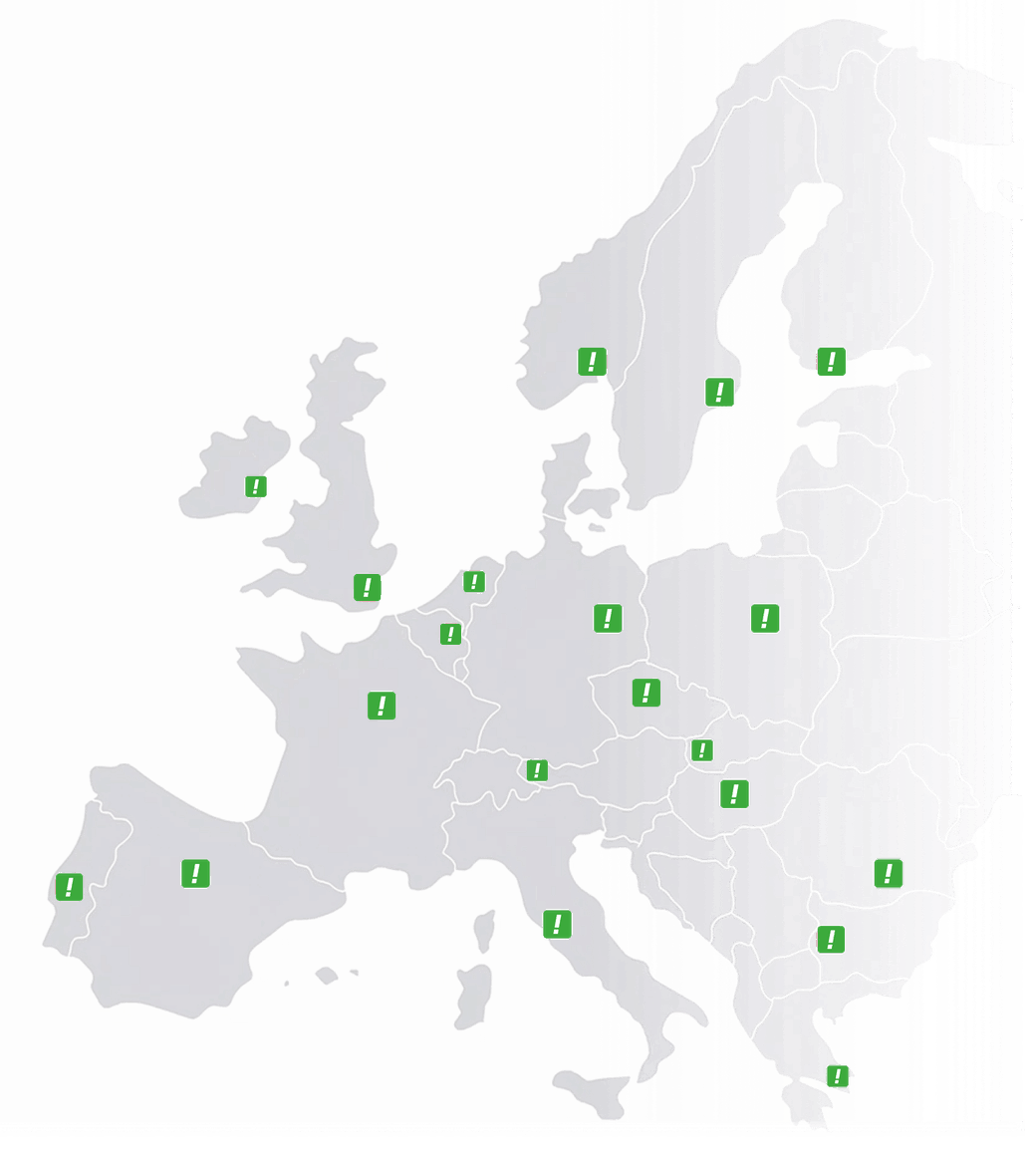
We are a licensed operator in 14 European countries, and we run our cloud telephony and IVR platform ourselves. That is why we can build an extra endpoint for you, and why calls go over the fixed telecom network rather than the public internet wherever possible, which keeps call quality high.
Common use cases: six integrations customers build with our phone system API
Routing based on your own shift schedule
Your server checks who is working right now and returns that person’s number, so customer calls reach the right person and nobody has to keep a second schedule up to date.
Routing based on where the caller is
Your server looks up the caller’s area code and returns the nearest location, without asking the caller anything.
Reading out a status instead of transferring the call
Your server returns text instead of a number, such as “Your order will be ready at three o’clock.” The number then works as an information line.
Call recordings sent straight to your own archive
Call recordings are downloaded to your own storage or quality assurance system automatically, so nobody has to fetch them by hand.
An outbound alert to a whole team
Your system starts the calls, and the recipients hear a recorded or generated message. Useful for outage alerts and appointment reminders.
A call that looks up data in your database
The caller enters a customer number, and the call flow retrieves the details and decides what happens next.
When you don't need an API
If you only need call forwarding, a phone menu or a call queue, you set that up in the dashboard without any code. An integration starts where the dashboard stops. Decide in advance who will maintain it, because a webhook stops working if nobody looks after the server anymore. That is why level 1 falls back to a fixed destination if your server does not respond.
Phone system API: questions from developers

Want to talk it over first?
Our team helps you with numbers and voicebots in each of our countries. Call us or use the contact form.
Go to the contact form → From any country +31 85 400 5588Yes. The IVR toolkit comes with documentation and working examples for every action. The private API is built for each customer, so you get documentation for exactly your endpoints.
Any language your team uses. A webhook is an HTTP request, so anything that can answer one will work. On your own IVR server you program in Python, Node, Go or another language you already use.
The call goes to the fallback destination you set in advance. You configure that fallback when you set up the integration, so an outage on your side does not cost you a call.
Yes. That is the order we recommend. If you later move to your own IVR server, we migrate your existing call flows while your numbers and routing keep working.
It depends on the level. A webhook is set up once your endpoint is ready. For the private API and your own IVR server, we first plan the work with you in a session and then tell you what it costs and how long it takes.
No. The private API is available on request, and we quote the cost in advance. For the webhook and your own IVR server we also confirm feasibility and any costs before we build, so there are no surprises once your developer has started.
A private REST voice API with the endpoints your case needs. You send HTTP requests and receive JSON responses, so any programming language or platform that can make HTTP calls will work, from a CRM to an e-commerce platform.
Yes. You tell us which customer data your CRM, helpdesk or ticketing system needs and which actions it should start, such as showing an incoming call or logging the call duration. We confirm that it can be done, quote the cost and build the endpoints, and your developer connects them to your existing systems.
With an API key linked to your CallFactory account. All communication runs over HTTPS.
Yes. You can update call destinations in real time, so your own software decides where customer calls go based on staff availability, caller ID, time of day or other rules you define. Sales teams and support teams can each follow their own rules.
Yes. Your software can start calls that play a recorded or text-to-speech message, for example for appointment reminders, service alerts and emergency notifications.
Yes. Call recording happens on our network, and through the API you retrieve the recordings automatically and store them in your own archive, compliance system or another internal tool. Recordings cover incoming calls and are stored in the EU.
Yes. The API gives you access to call logs, call duration and queue figures. You can load the raw call data into your BI tools and combine it with your other business figures.
We build it. Our team can add custom endpoints or build a complete IVR solution for your requirements, and because we build and maintain our own platform, we can extend it ourselves.
Describe what you want to connect
Tell us which data you need and which actions your software should start. We'll tell you whether it can be done, what it costs and which level is the best place to start.